
As an Amazon Associate I earn from qualifying purchases.
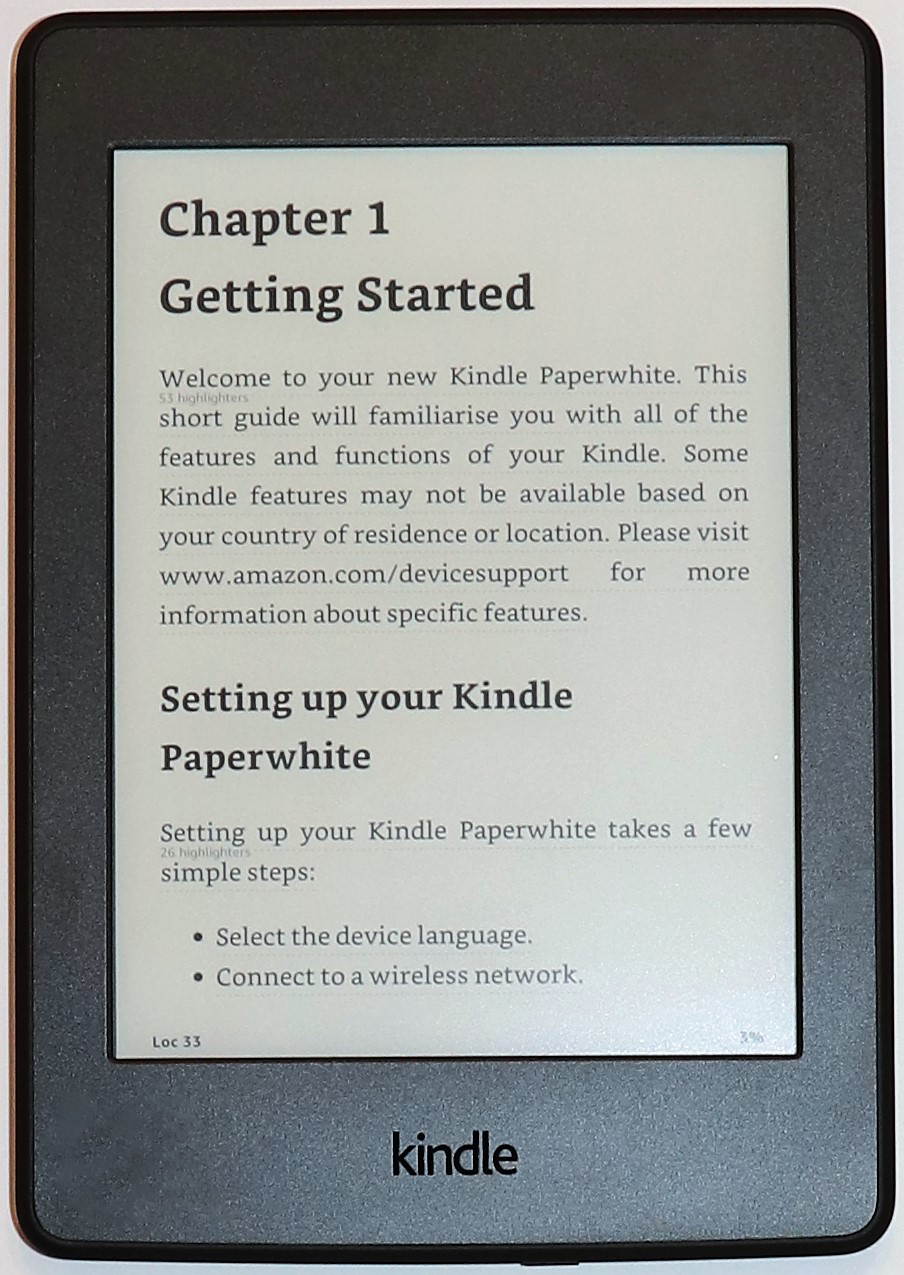
The Kindle Paperwhite 3 is a 2015-era, seventh-generation e-reader. It can still be attractive as a secondhand device for simple reading, but its age, battery and software compatibility matter more than a bargain sticker price. This article is specifically about the Paperwhite 3, not a modern Paperwhite with USB-C or waterproofing.
Editorial disclosure: This guide is based on manufacturer information and does not claim personal testing. No Amazon purchase link has been verified or included; purchase links may be added later.
Who might still want one?
Someone who mainly reads novels, already owns compatible Kindle books and values a small glare-reducing E Ink screen may find an inexpensive, well-maintained used unit sufficient. It can also work as a backup reader. Buyers seeking modern responsiveness, waterproofing, a warm front light or long-term update certainty should consider newer Kindle generations instead.
How to identify the model
Amazon identifies the seventh-generation Paperwhite as a 2015 release with a touchscreen, adjustable front light and 4 GB internal storage, of which roughly 3 GB is user-accessible. The Paperwhite 3 is widely associated with a 6-inch 300-ppi E Ink screen, but verify the exact device in Settings and its serial/model details before buying. Do not confuse it with the earlier fifth-generation Paperwhite or the later tenth-generation design.
Reading experience and strengths
E Ink works particularly well for text in bright environments and does not behave like a conventional LCD tablet. The front light helps in dim rooms, and adjustable text sizing supports many reading preferences. A dedicated reader can be less distracting than a phone. The older processor, however, may make store navigation, page rendering in complex documents and searching feel slower than on a new device.
The age-related risks
Battery capacity declines with years of charging cycles. A seller’s claim that it lasts for weeks is not a substitute for observing actual battery behavior. Check for dead pixels, uneven front-light illumination, a loose micro-USB connector and swollen or damaged housing. Confirm the device can register to an Amazon account before purchase, especially if it has been factory-reset.
Software support is the key distinction
Amazon announced service restrictions from May 20, 2026 for Kindle e-readers released in 2012 or earlier, including the fifth-generation Paperwhite. That policy should not be misapplied to the 2015 seventh-generation Paperwhite 3. Still, service eligibility and firmware support can change, so confirm the current status with Amazon’s device identification and support pages rather than assuming indefinite compatibility.
Compare with a newer Kindle
Modern Paperwhite devices provide larger displays, more storage and newer connectivity; some offer waterproofing, USB-C and adjustable warm light. The old Paperwhite 3 is smaller and simpler but sacrifices these conveniences. The total value depends on the used unit’s price, condition, account compatibility and battery life. An extremely cheap unit may be a poor buy if it needs repair.
Used checklist and verdict
Ask the seller to demonstrate Wi-Fi connectivity, account registration eligibility, successful book download, page turns, screen light and charging. Confirm model generation, USB port, condition, warranty and return policy. If all these checks pass, Paperwhite 3 can serve as a basic reading device; otherwise choose a newer model. Amazon’s 2026 older-device policy and Kindle user guides provide useful background.
Manufacturer documentation
Official product specifications and support information. Check the exact model and support status before purchasing.